Little Lines app icon

Little Lines

Color stays inside the lines.

A calm coloring app for little hands on iPad and iPhone. About 300 friendly pictures, a mode for every age, letters to trace, pictures to finish and stickers to win – with a parents’ area behind a lock. No ads, no purchases, no tracking.

App StoreComing soon
  • iPad & iPhone · iPadOS / iOS 17+
  • 15 languages
  • No ads · no tracking
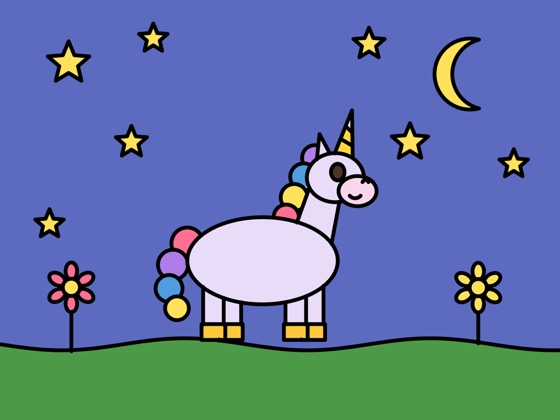
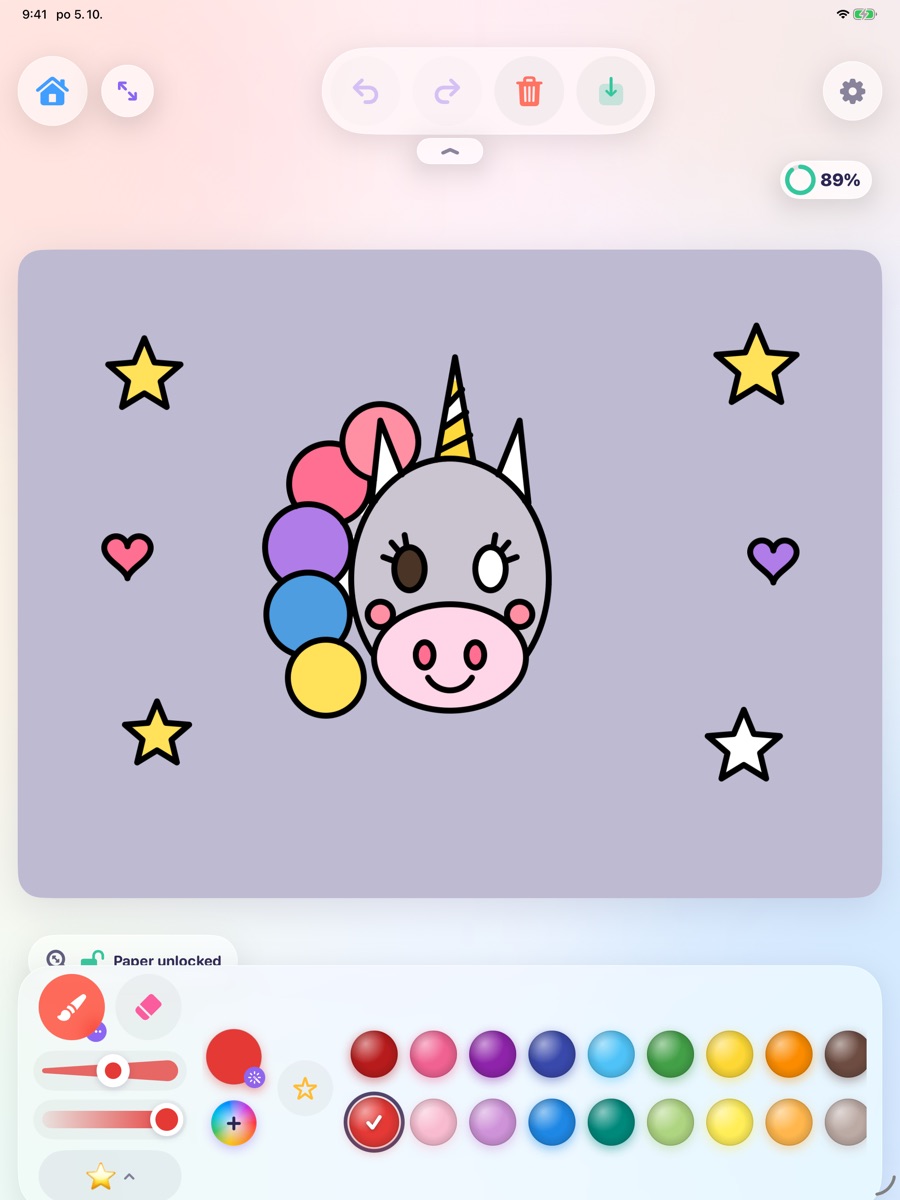
Little Lines on iPad: a unicorn coloring page with a palette of colors
The magic trick

Color stays inside the lines

Every stroke stays in the area where it started. Little hands can scribble with joy and the picture still looks lovely – so there is pride instead of frustration.

  • No outlines painted over, no tears
  • Works with a finger – or with Apple Pencil on iPad
  • Older children can switch it off and color freely
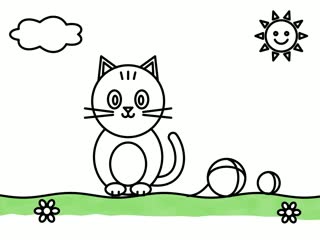
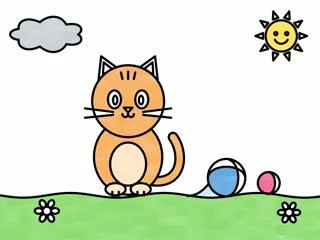
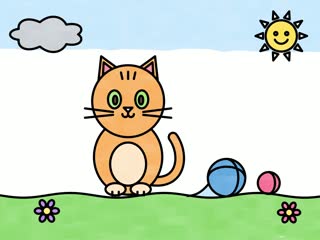
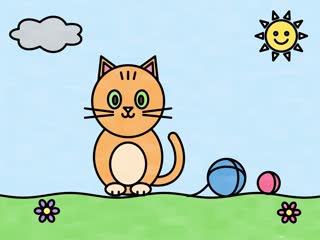
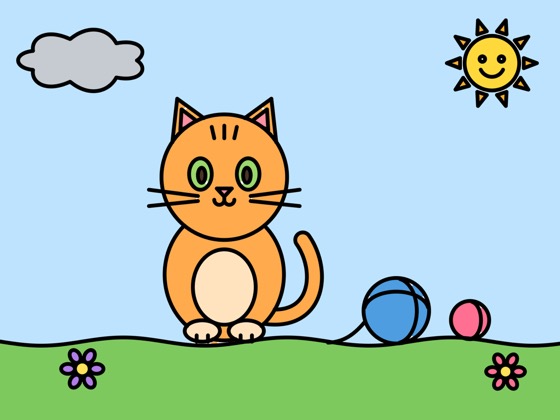
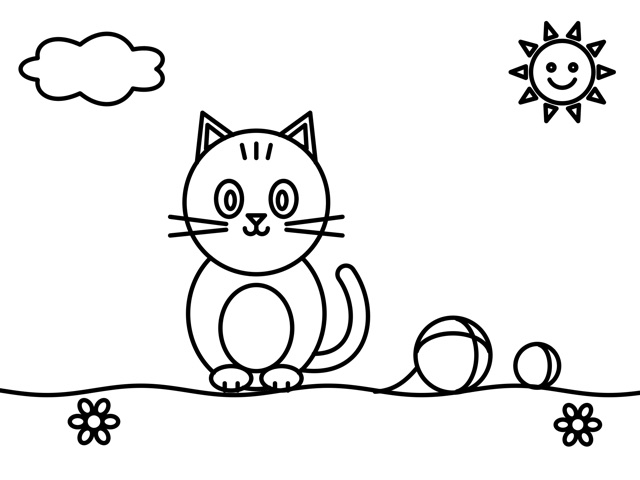
A kitten playing with a ball of yarn, as an empty coloring page The same kitten picture, colored in AfterBefore
New in Little Lines

Trace, collect, watch it again

First letters for future schoolchildren, a sticker for every finished picture, and a little film of how each picture came to life.

New
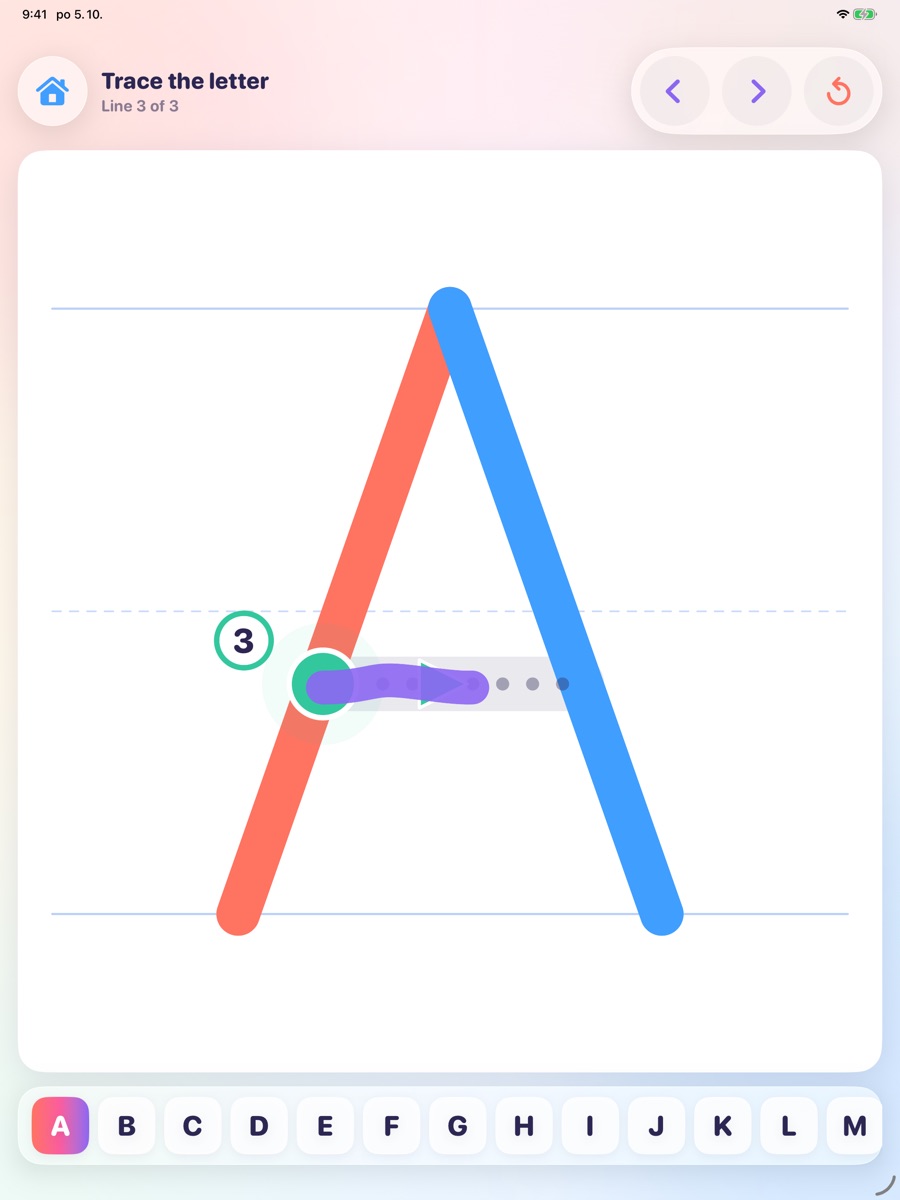
Tracing the letter A: two strokes are done, the third starts at a green dot with an arrow showing the way
In Notebooks

Tracing letters and numbers

A to Z and 0 to 9, stroke by stroke in the right writing order – a gentle start before school.

  • A green start dot and an arrow show the way
  • It says the letter or number aloud
  • A star for every traced character
New
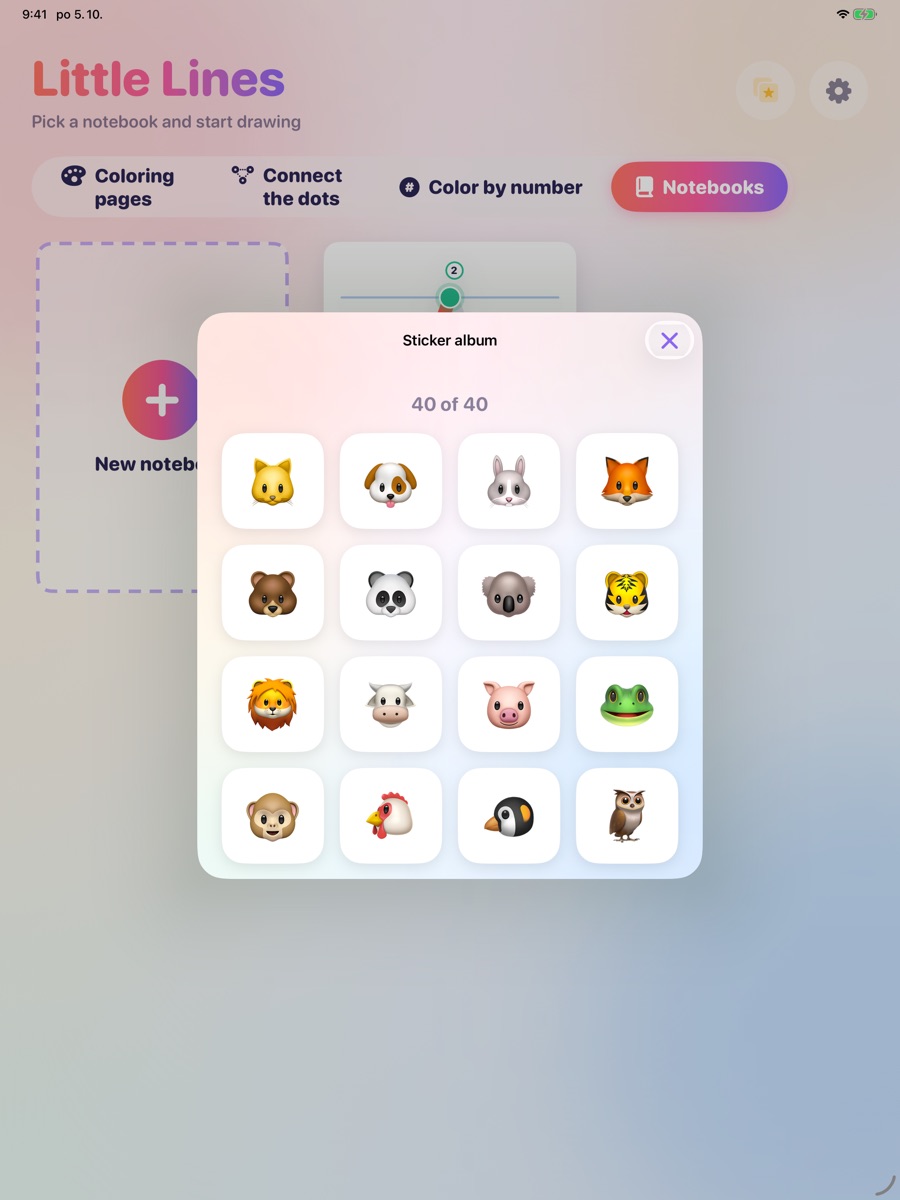
The sticker album with animal stickers: 40 of 40 collected
Sticker album

A sticker for every picture

Every finished picture wins a new sticker – in coloring, connect the dots, color by number and tracing.

  • 40 stickers to collect
  • Stick them onto your pictures
  • Every child has their own album
New
Time-lapse

Watch it come to life

After the last stroke, the child can watch a short film of how the picture was colored, stroke by stroke.

  • Made right on the iPad or iPhone
  • Parents can save or share the video
  • Sharing stays behind the parents’ lock
Grows with your child

A mode for every age

From the very first scribbles to careful coloring. Parents pick the mode in the parents’ area.

The youngest

Colors appear by themselves

The right colors are already prepared. Wherever a little finger goes, the picture comes to life.

Toddlers

Scribbling

Wiggle and scribble anywhere – the color stays neatly in its area.

Little ones

Tap to fill

One tap fills a whole area. Quick, satisfying and great for small hands.

Preschool

Simple palette

A few big, cheerful colors to choose from – no getting lost.

Bigger artists

Custom colors

Pick any shade you like and make the picture truly your own.

The oldest

Free coloring

No helping hand at all – color over the lines, just like on paper.

For the youngest

Magic under every finger

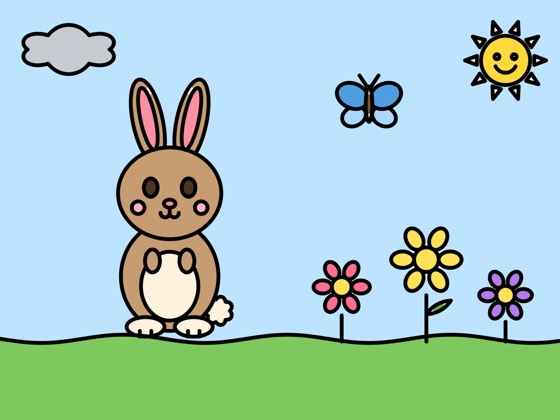
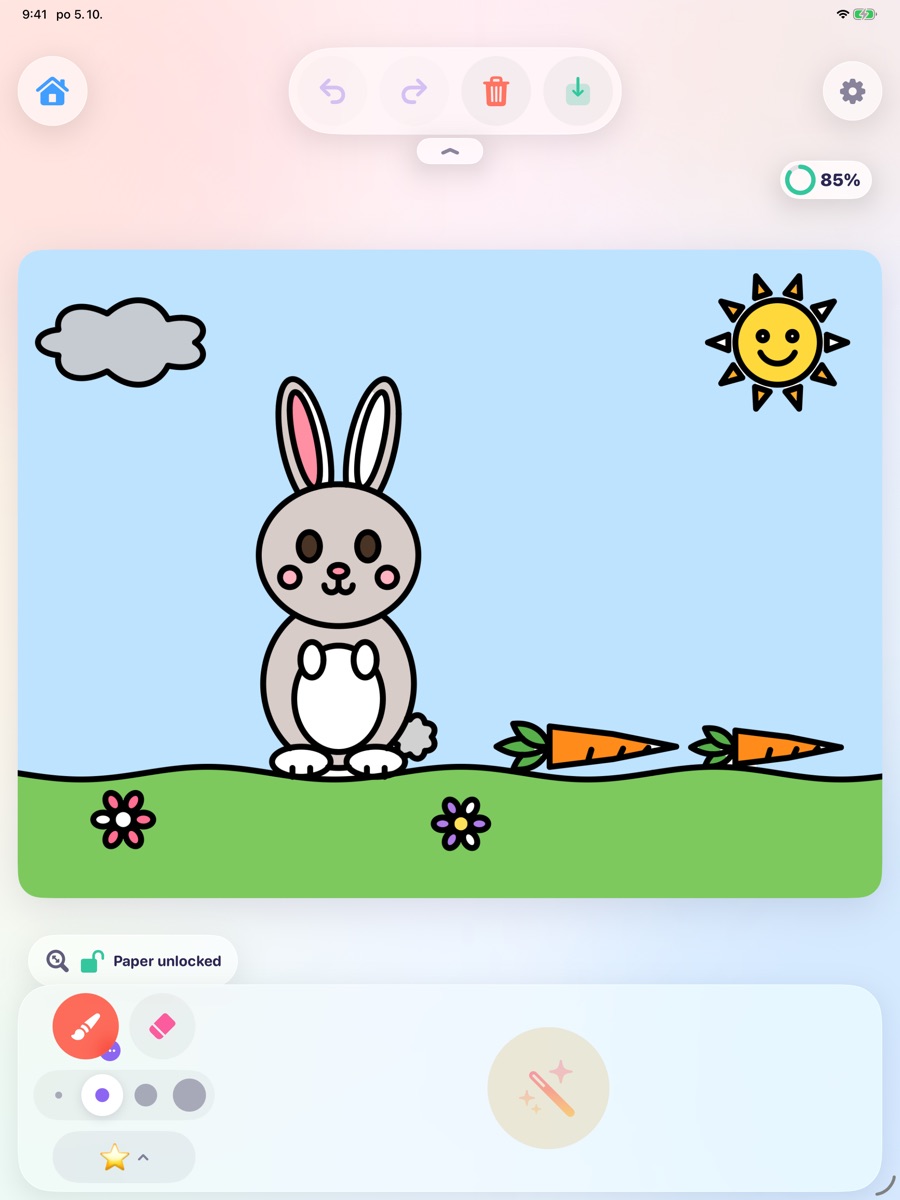
A gentle start: the colors are already chosen, so even a two-handed swipe turns into a bunny in the meadow. Calm sounds and no pressure.

A bunny with a carrot being colored in with prepared colors
Count and color

Connect the dots, color by number

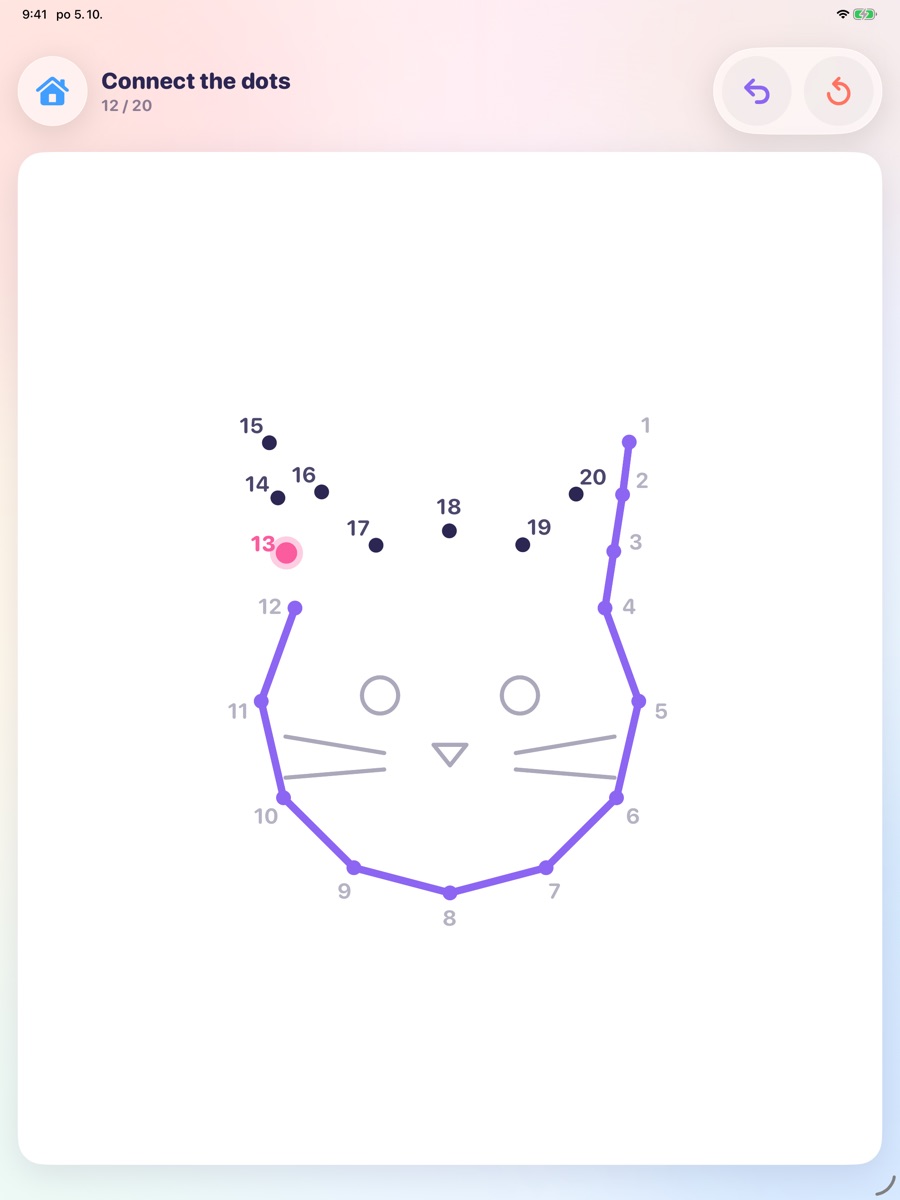
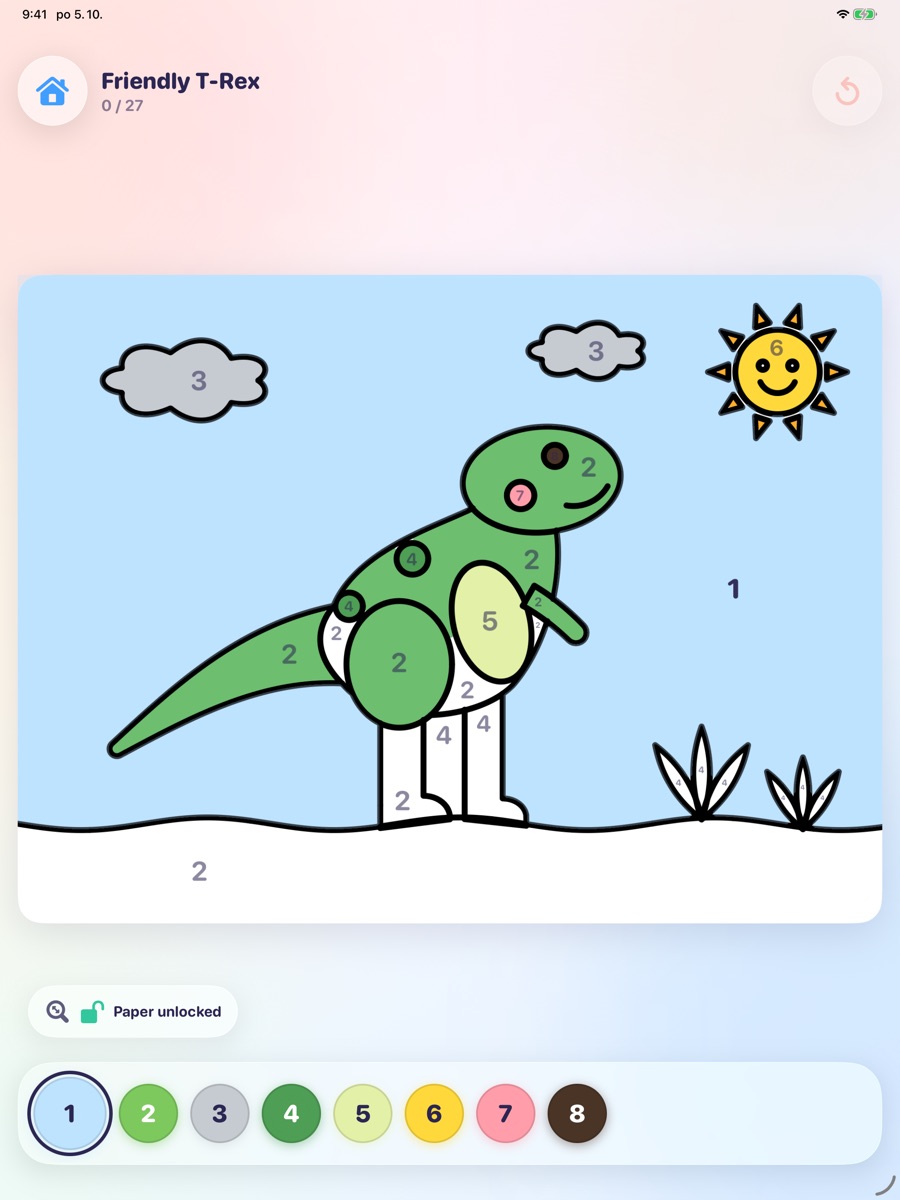
Follow the numbers from dot to dot until a picture appears – then color it in. Or match every number to its color and watch a calm puzzle come together.

Connect the dots: a kitten appears as the numbered dots are joined
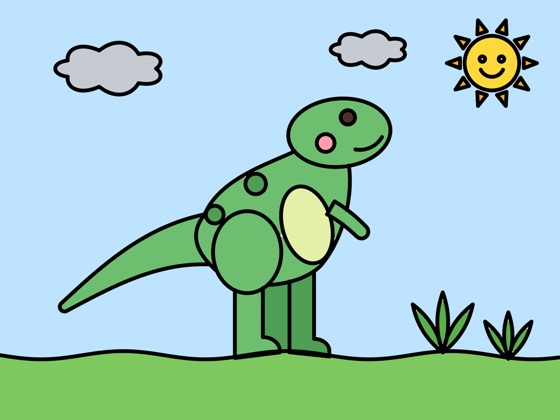
Color by number: a friendly T-Rex with a number in every area and numbered colors below
Your own ideas

Draw your own coloring page

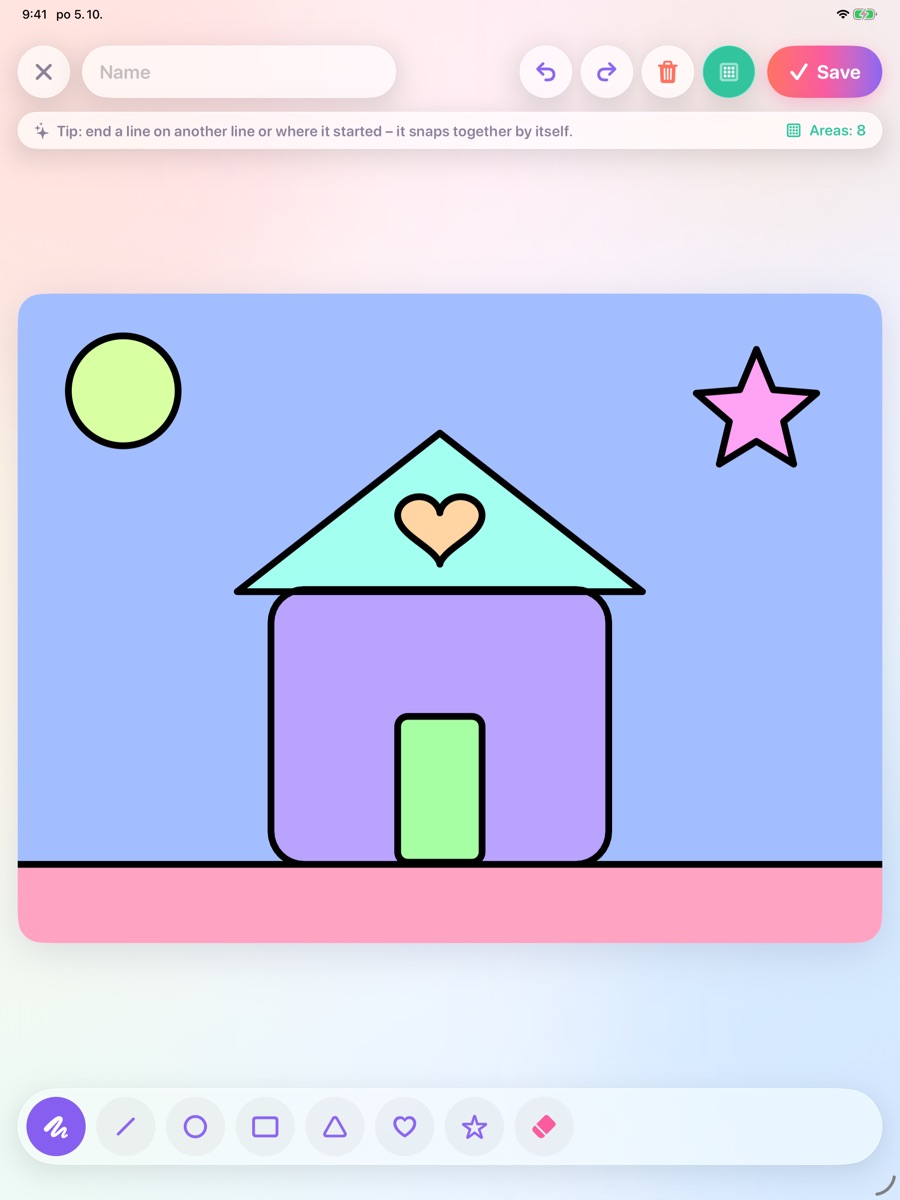
Draw a house, a sun, a star – lines snap together by themselves, and your drawing becomes a coloring page. You can also add pictures from Photos or Files (with a parent’s help).

Drawing a house with a heart, a sun and a star with simple shapes
Built in, ready to go

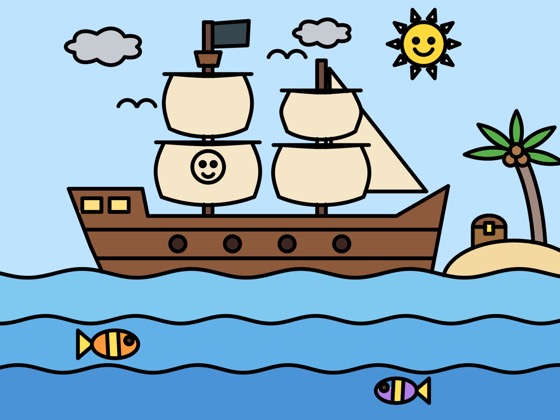
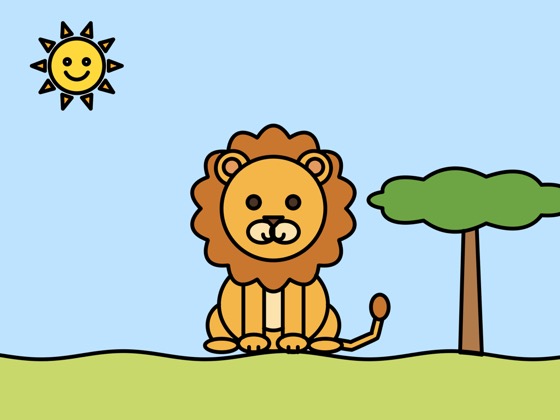
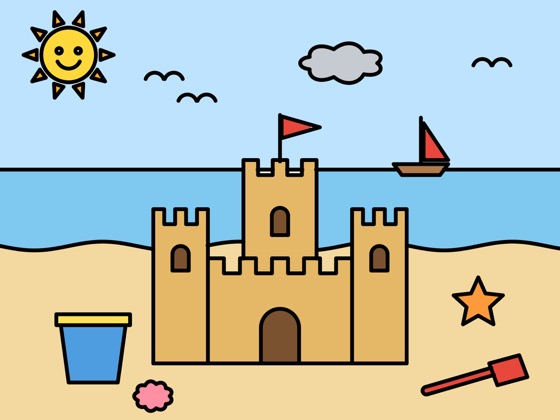
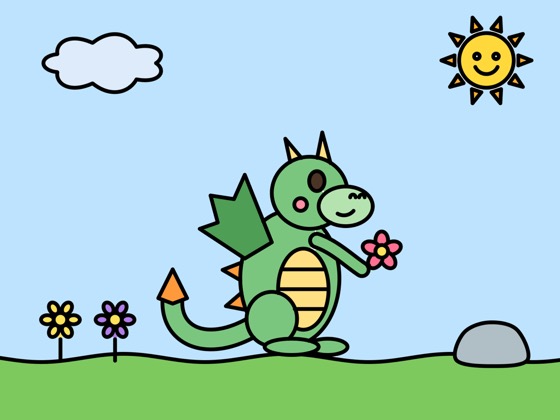
About 300 pictures to color

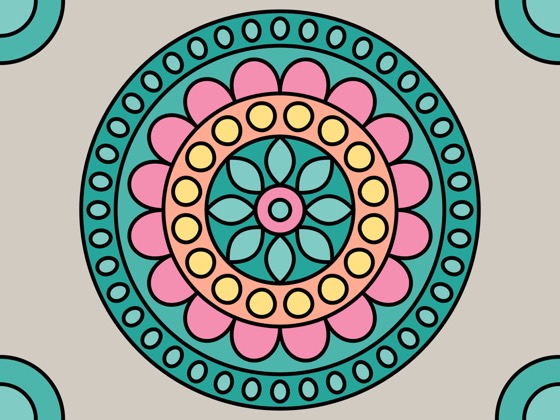
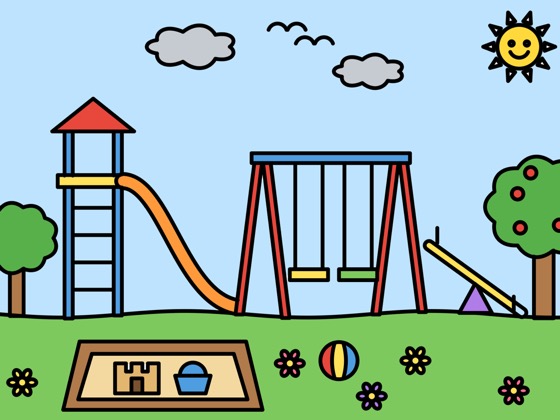
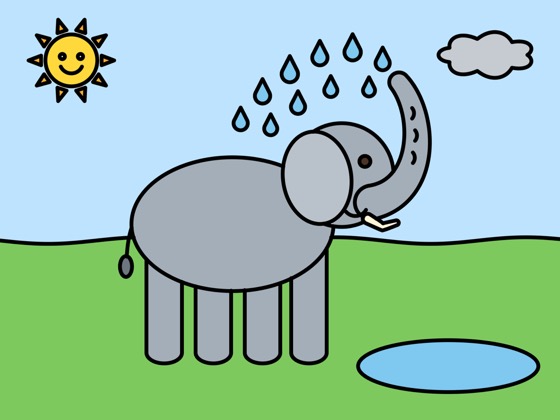
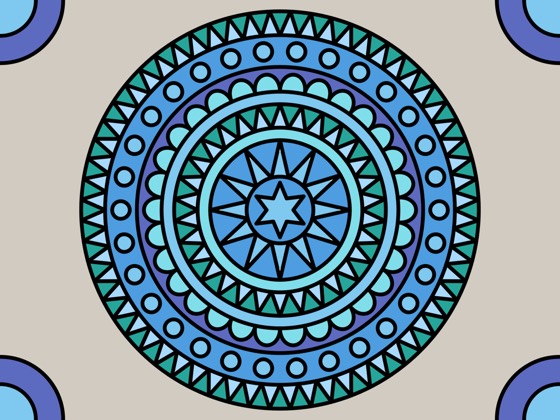
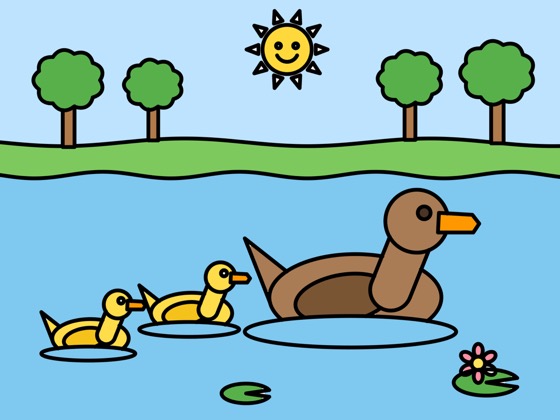
Kittens and bunnies for the youngest, busy scenes for school kids, and calm mandalas for everyone.

  • Animals
  • Dinosaurs
  • Unicorns & fairy tales
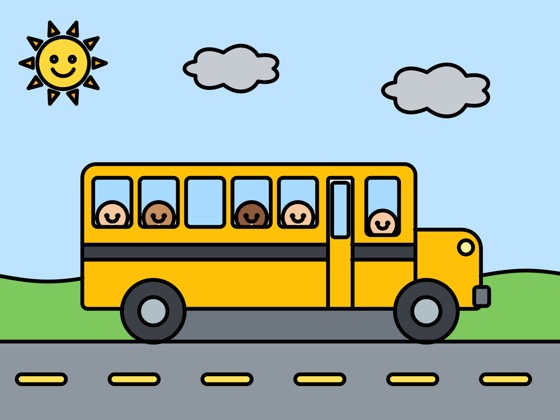
  • Vehicles
  • Seasons
  • Everyday things
  • Busy scenes for older kids
  • 80 mandalas
  • Letters & numbers

Connect the dots

42 pictures in 3 difficulties – from a few big dots to real counting practice.

Color by number

About 100 pictures where every number has its own color. A calm puzzle for older kids.

Notebooks

Lined, squared or blank pages with a lovely page curl – plus tracing letters A–Z and numbers 0–9.

Finish the picture

27 drawings to complete – the dog lost its tail, the car its wheels. The task is read aloud, then the drawing is colored in.

Lots to discover

Small app, big creativity

Brushes and sparkly effects

Real-feeling tools and playful effects that make every picture different.

  • Marker
  • Pencil
  • Oil paint
  • Acrylic
  • Spray
  • Crayon
  • Glitter
  • Rainbow
  • Dots
  • Stripes

Apple Pencil and fingers

On iPad, Apple Pencil pressure makes lines thin or bold, and fingers work too – if parents allow it. On iPhone, little fingers do the drawing.

Apple Pencil Pro

Squeeze the Pencil and a little palette of colors pops up right at the tip. While it hovers, a preview shows the brush before it touches the page – on iPads and Pencils that support it.

Says colors aloud

“Red!”, “Blue!” – the app names the picked color in your family’s language, and letters and numbers too. Great for learning colors; parents can switch it off.

Made for lefties, too

With the left-handed layout, colors move to the left and tools to the right, so the drawing hand never covers them.

Smart colors

Add a picture and Little Lines recognizes what it shows – right on the device – and picks fitting colors. It learns from a parent’s corrections. No internet needed.

Your own pictures

Turn a photo or a picture from Files into a coloring page, or draw your own.

A little celebration

When a picture is done: confetti, a star and a new sticker. It can even show how much is colored, in percent.

Profiles for siblings

Each child gets their own profile, with their own pictures and progress.

Speaks 15 languages

The whole app in your family’s language.

  • English
  • Čeština
  • Deutsch
  • Español
  • Français
  • Italiano
  • Nederlands
  • Polski
  • Português
  • Slovenčina
  • Svenska
  • Українська
  • 日本語
  • 한국어
  • 简体中文
For grown-ups

A parents’ area behind a lock

Settings stay out of reach of curious fingers: press and hold the gear for two seconds. Sharing, printing and extra time also ask a grown-up’s question – a multiplication written in words.

  • Color modesFrom prepared colors to free coloring
  • Apple Pencil or fingerOn iPad, only the Pencil draws, if you like
  • Daily time limitA gentle end to screen time
  • Sounds & 8 songsCalm music, or quiet
  • Paper lockHold the lock – no accidental zooming or moving
  • Sharing & printingOnly when a parent starts it
  • Show where color is missingAfter 10 s, 30 s or 1 min, blank areas gently blink
  • Time-lapse videosSave or share the film of a picture
Our promise

Safe for kids. Really.

Little Lines collects nothing. Everything your child creates stays on your iPad or iPhone.

  • No adsNot a single one
  • No in-app purchasesNothing to buy by accident
  • No trackingNo analytics, no third-party code
  • No data collectionNo accounts, nothing sent
  • No internet neededWorks on a plane, too
  • Stays on your devicePictures, profiles, everything

Read the privacy policy

Coming soon to the App Store

For iPad with iPadOS 17 and iPhone with iOS 17 or later. In 15 languages.

App StoreComing soon